Format Sizes
United States
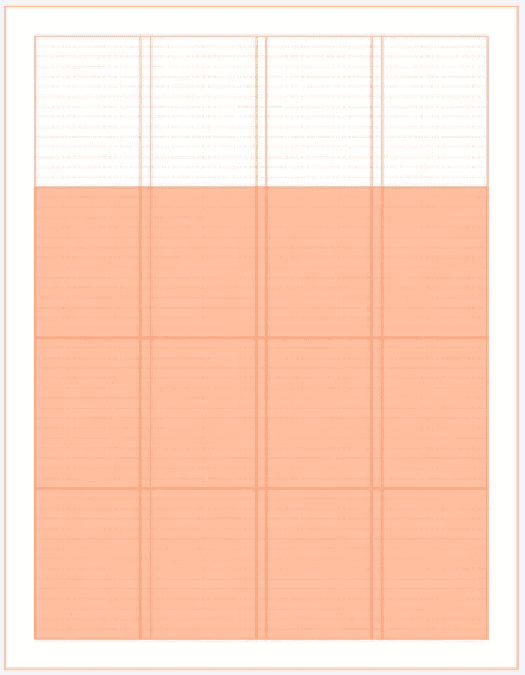
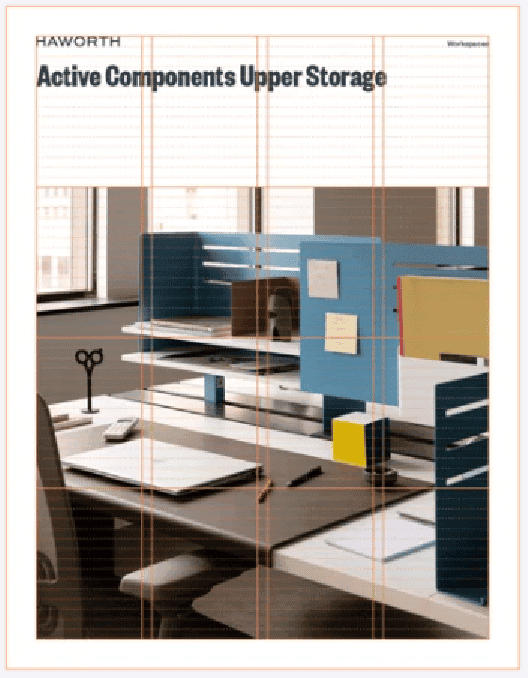
Letter (8.5x11 in)
Tabloid (17x11 in)
Digital Widescreen: 16:9 aspect ratio
PowerPoint Presentation: 960 x 540 px
Hi-Res Digital Presentation: 1920 x 1080 px
International
Print A4, 210 x 297 mm
Print A3, 420 x 297 mm
Digital Widescreen: 16:9 aspect ratio
PowerPoint Presentation: 960 x 540 px
Hi-Res Digital Presentation: 1920 x 1080 px
Grids
Using a grid ensures that layouts are constructed in a clean and organized fashion. The grid helps apply structure to information and guide the way people read our communications. All printed grids are built on a 12 pt baseline grid system, allowing for maximum flexibility in column structure.
The grid can be adapted to any format—vertical or horizontal
Use a continuous even margin based on 12 pt increments
(12 pt, 24 pt, 36 pt, 48 pt, etc.)
For digital presentations the size is based on the default PowerPoint slide (960 x 540 px) and the margins are set at 30px (three times the height of the logo at 10 px)
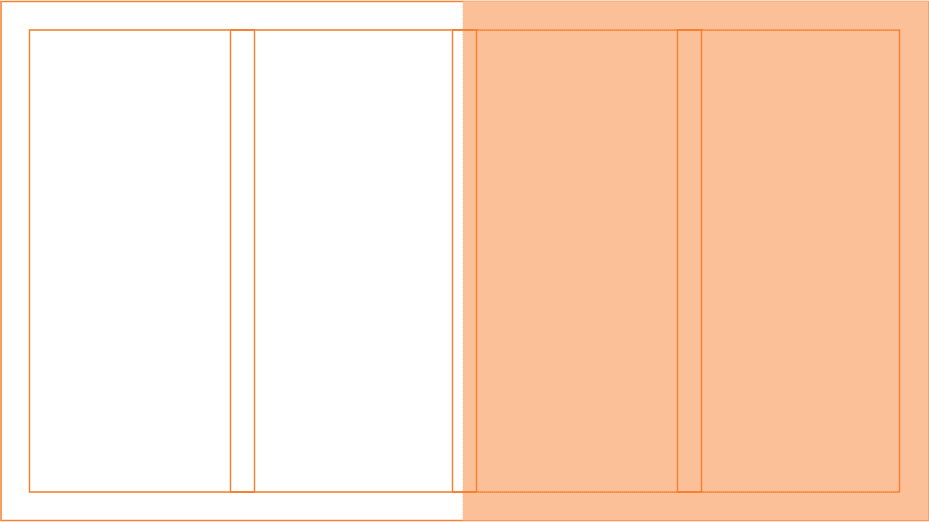
Gutters between columns are set to 12 pt for printed applications and 24 px for digital applications
18 pt/px gutters can occasionally be used if 12 pt feels too tight for print or 24 px feels too loose for digital

Letter 8.5 x 11 in

Widescreen 16:9 aspect ratio
Modular System
Our imagery and videos reflect the craftsmanship of our products, the people we support with our knowledge, and the spaces we create.
Guides are defined by dividing space inside the margins in fourths
Compositions are created by placing content inside the modular fourths
Recommended modular layouts are half-half and 1 to 3
For full bleed applications, margins are adjusted inside both halves to maintain consistent internal margin of 36 pt in print and 30 px in digital